Blog/Operations
Your CCTV is a sensor network you have already paid for
The cameras, cabling and views are already in place. With a vision model reading the streams, each camera reports on security and operations all day.
The Maiyn teamJune 18, 20264 min read
Most businesses run their cameras the same way. Video is recorded, kept for a few weeks and overwritten. Somebody opens the footage only after something has gone wrong, so the great majority of what the cameras capture is never seen by anyone.
That is a narrow use of a substantial asset. The cameras are mounted, the cabling is in, and power and network are in place. The views already cover the entrances, counters, aisles, corridors and loading bays where the business happens. With a vision model reading those streams, each camera becomes a sensor that reports what is in front of it for every second it is switched on.
One camera does the work of many single-purpose sensors
Buildings are full of devices that each measure one thing. A beam counter at the door counts crossings. A motion detector reports movement. A door contact reports open or closed. Each needs its own hardware, wiring, maintenance and software, and each answers one question.
A camera is a general-purpose sensor. One view of a store entrance can report how many people came in, how long they waited, whether a group gathered outside after closing and whether somebody has covered the lens. Changing what is measured is a software setting, and nobody has to climb a ladder to do it.
What the cameras can report
- Footfall and occupancy: how many people entered, and how many are inside right now, by site and by zone.
- Queues and wait time: how long the line is at each checkout or service desk, and how long people stand in it.
- Dwell and heatmaps: which areas hold people, which they walk past, and how long they stay.
- Checkout conversion and returning visitors: how many visits end at a till, and how many visitors have been before.
- Shelf availability and space utilization: which shelves have gaps, and which rooms, desks or bays sit empty.
The same streams serve security at the same time. Intrusion into a closed area, loitering near a stock room, a fall, a crowd building at a gate and a camera that has been moved or covered are detected as they happen, and the alert reaches the responsible person with a clip attached.
The questions change by industry
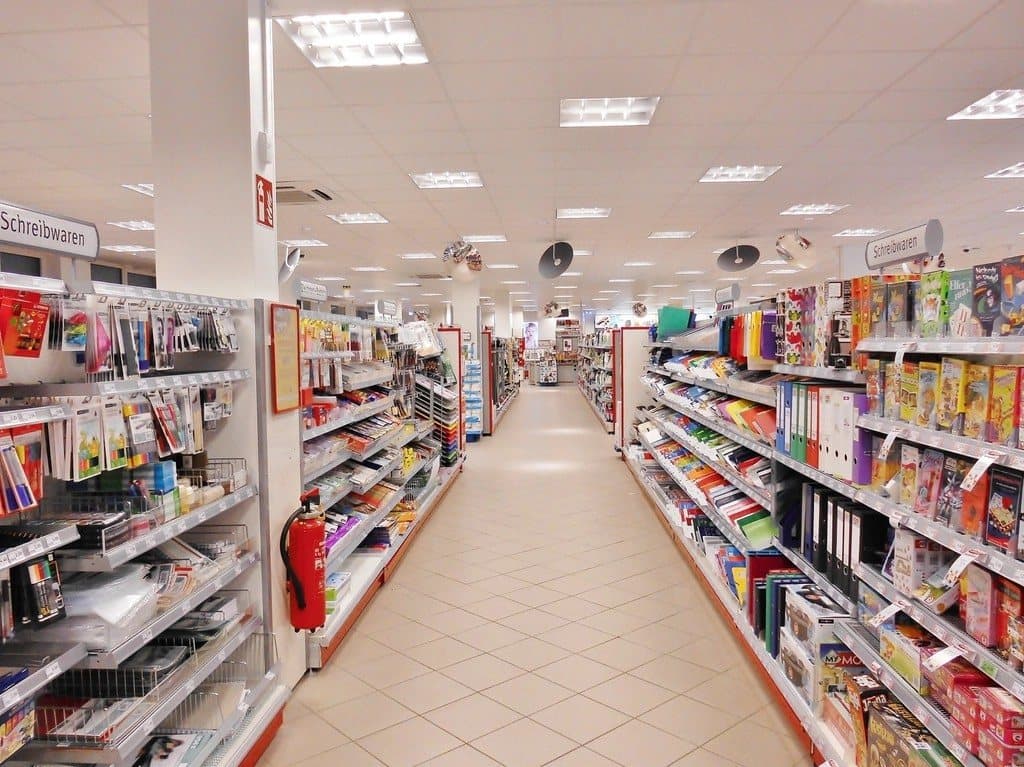
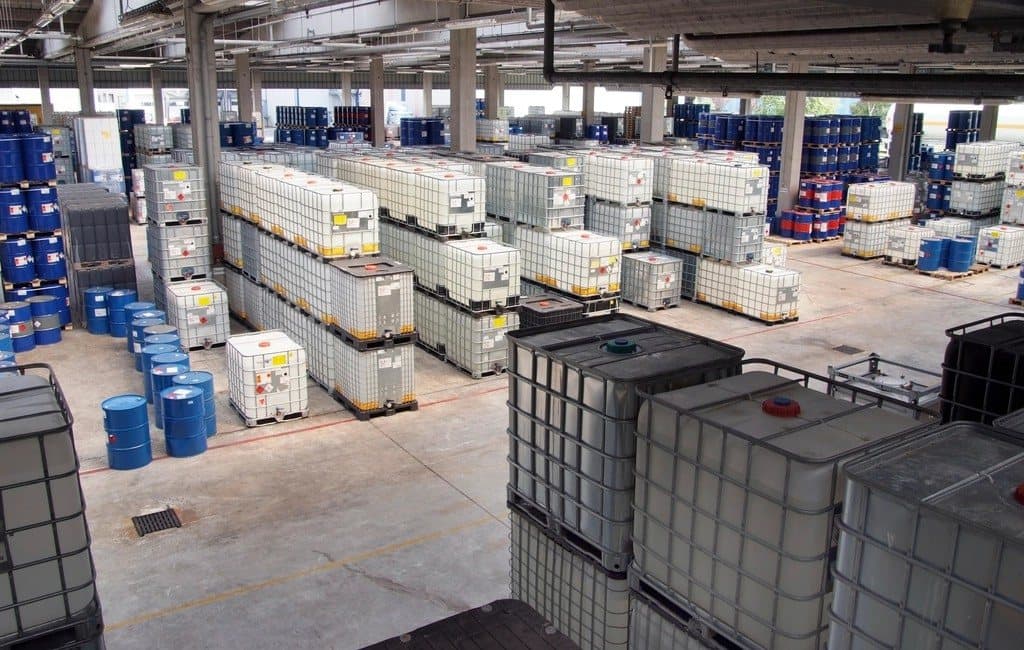
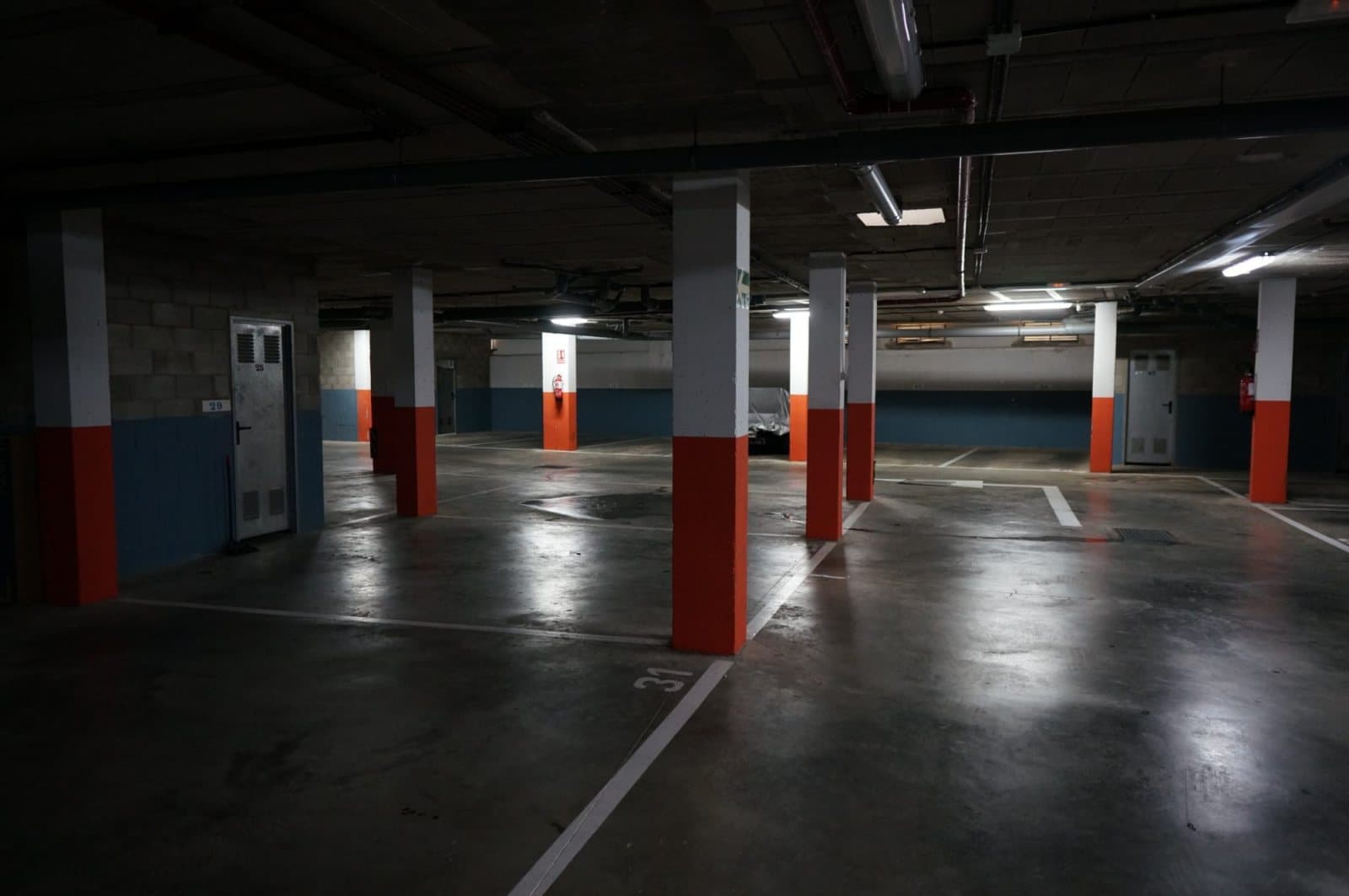
A supermarket wants to open another checkout before the line reaches the aisle. A restaurant wants to compare how long guests wait on a Friday and on a Tuesday. A warehouse wants to see which bays are congested during the afternoon shift. A hospital wants to know at once when a patient has fallen in a corridor. A car park wants live occupancy for each level.
Each of these is a different question asked of video that is already being captured. The cameras stay where they are, and the choice of what to measure follows the priorities of the people running the site.
Putting existing cameras to work
Start with an inventory. List each camera, what it sees and the stream it offers. Any camera, NVR or DVR that supports ONVIF or RTSP can supply video for analysis, and that describes the large majority of professional equipment in service.
Next, choose a small number of questions that somebody will act on. “How long do customers wait at lunchtime” is a good one, because a manager can change a staffing rota in response. Map each question to the cameras that can answer it: entrances for footfall, tills for queues, the sales floor for dwell.
Finally, decide where the processing runs. Analyzing video on site keeps footage in the building and avoids uploading streams all day. A Maiyn Edge unit sits beside the existing recorder and reads the camera streams over the local network, while the cameras, cabling and recorder stay exactly as they are.