Blog/Guides
Camera placement for analytics: a practical guide for installers
Pixel density, mounting angle, exposure and the right view for each task. A survey checklist for getting accurate analytics from the cameras on site.
The Maiyn teamSeptember 24, 20264 min read
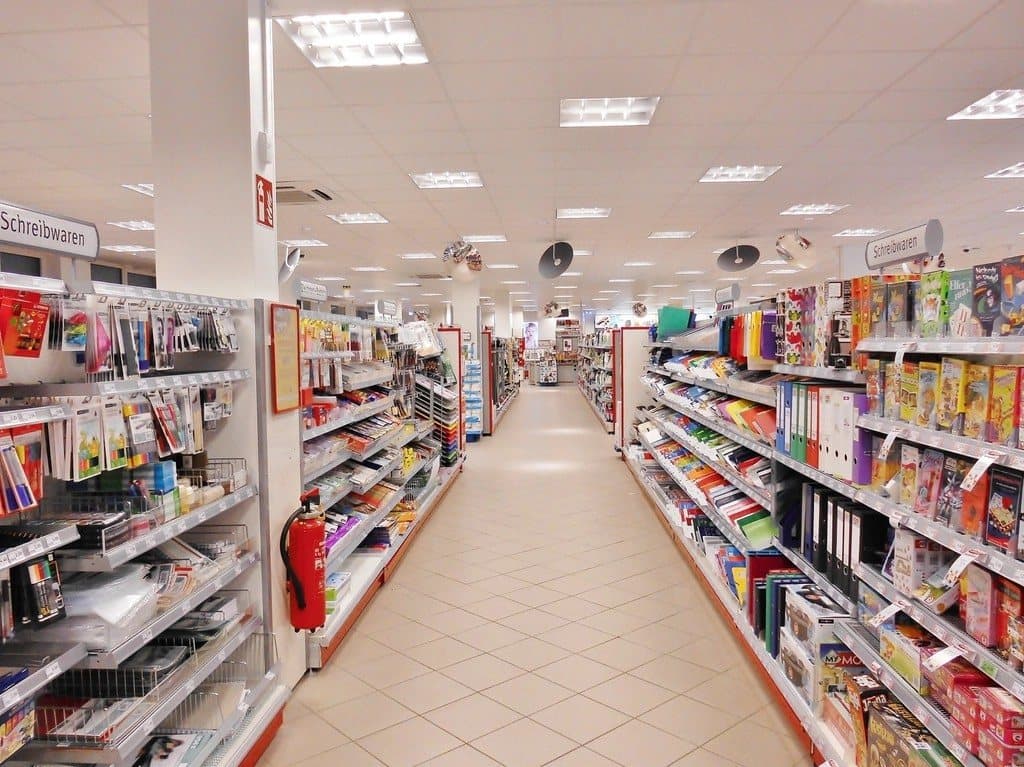
A camera positioned for recording and a camera positioned for analytics are usually the same camera, judged by two standards. Recording needs a view wide enough for an operator to see what happened. Analytics needs enough pixels on each person or object, a clear line of sight and a stable image.
Most existing installations meet both standards on the majority of views. A site survey with the points below in mind brings the remaining cameras into line, usually by adjusting what is already on the wall.
Pixel density comes first
The useful measure is pixels per meter at the distance where the subject will be. The DORI levels in IEC 62676-4 give a standard reference: 25 px/m for detection, 62 px/m for observation, 125 px/m for recognition and 250 px/m for identification.
As a rule of thumb, plan people counting and presence detection at observation level or better. Plan appearance search, where clothing and carried objects matter, at recognition level. Plan face matching at identification level. A 1080p camera covering an 8 m wide entrance delivers 240 px/m. The same camera covering 30 m of car park delivers 64 px/m, which suits counting vehicles and detecting people.
Height and angle
For tracking people across a floor, mount at 2.5 to 4 m (8 to 13 ft) and tilt down 30 to 45 degrees. At that angle people are separated in the image, so the person in front does not hide the person behind, and each one stays visible from head to foot for most of their path.
Face capture needs a shallower angle, around 15 degrees or less from horizontal, at a chokepoint such as a door or corridor where people walk toward the lens. At an important entrance, fit two views: a steep one above the door for counting and a shallow one facing the flow for faces.
Light and exposure
Glass entrances put a bright background behind every person who walks in. Turn on wide dynamic range, or mount the camera with its back to the glass so it looks into the building.
At night, automatic exposure lengthens the shutter and moving people blur. Cap the slowest shutter at around 1/100 s, let the gain rise, and add light if the picture becomes noisy. Check infrared cameras for reflections from nearby walls and from dirty dome covers. Set a fixed frame rate of 12 to 15 fps or more, with a keyframe every one to two seconds and enough bitrate that motion does not smear.
The right view for each task
- Footfall: one camera per entrance, mounted inside and looking at the door, with the full width of the doorway and the floor at the threshold in frame.
- Queues: a view that shows the whole waiting area and the service point together, so both the head and the tail of the line are visible.
- Dwell and heatmaps: high, wide views of the floor, clear of hanging signage and tall fixtures.
- Shelf availability: a camera facing the shelf from across the aisle, as square-on as the aisle allows.
- Perimeter and after-hours detection: views along fence lines and doors, overlapped so each camera covers the ground beneath the next.
Commissioning checks
Before leaving site, point every camera and recorder at the same NTP server so timestamps agree. Name cameras by location, such as “Entrance North,” so an alert makes sense to the person who reads it. Lock focus and zoom once they are set, and confirm the ONVIF account and RTSP stream address for each camera.
Then walk the site. Enter through each door, stand in each queue area and cross each alert zone, once in daylight and once after dark, and confirm that every pass is counted or detected. Save a reference snapshot from each camera so a later change in view is easy to spot. Maiyn works with any ONVIF or RTSP camera, NVR or DVR, so the survey is mostly adjustment of equipment already installed.